iPhone & Android · AI Trading Assistant
Technical analysis with AI
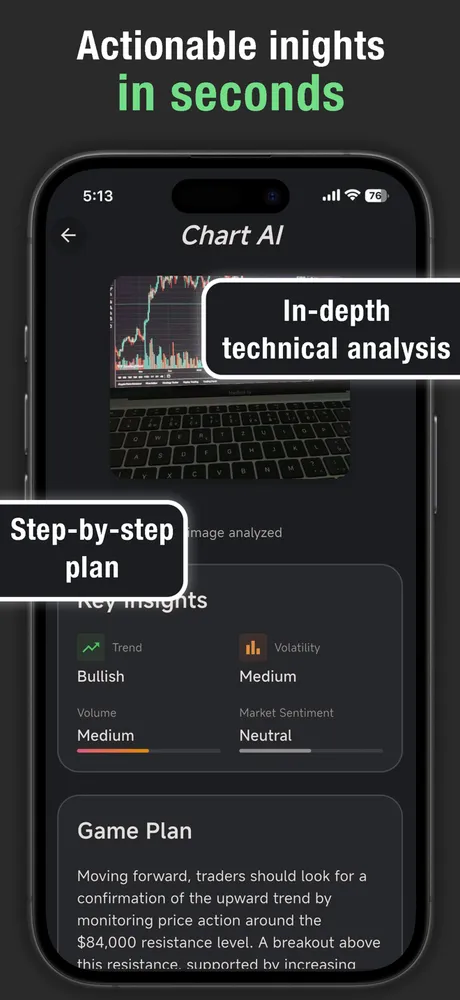
Chart AI reads any trading chart from a photo and returns an AI technical analysis — trend, key price levels, volatility, volume, market sentiment, and a step-by-step game plan — in seconds.
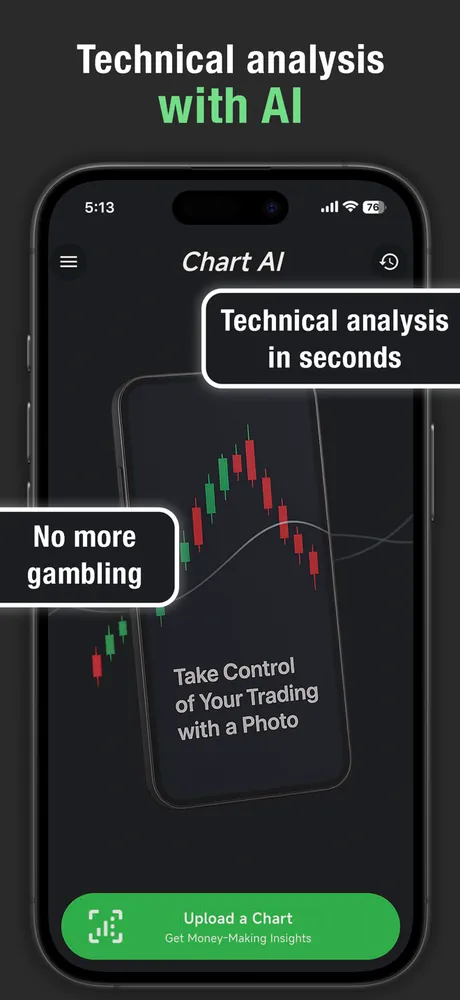
Take control of your trading with a photo
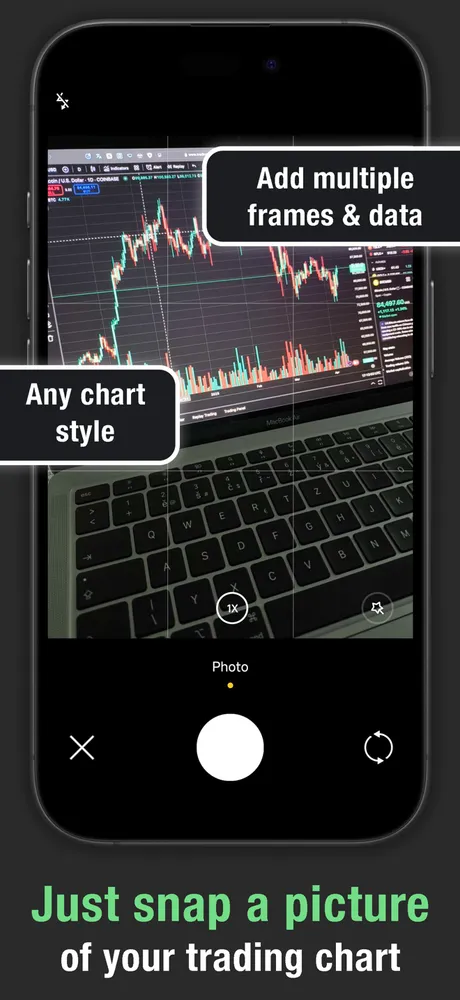
Snap any chart
Photograph or upload a screenshot of any trading chart, from any platform or chart style — candlesticks, lines, or bars.
In-depth technical analysis
Get a breakdown covering trend direction, key price levels, volatility, volume, and market sentiment.
Game Plan summary
A clear, step-by-step written plan of what to watch for next, not just raw numbers.
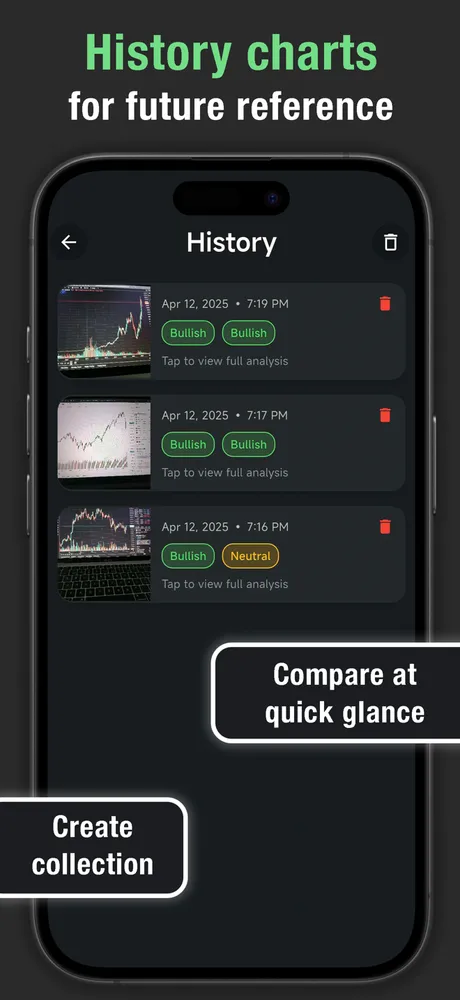
History you can compare
Every analysis is saved with its chart image so you can look back and compare calls over time.
Built for your trading style
Tell it your market, risk tolerance, trading style, and preferred analysis depth, and it tailors the read to you.
10 languages
Use the app and get your analysis in Czech, German, English, Spanish, French, Italian, Japanese, Portuguese, Russian, or Chinese.
How it works
- Point your camera at a chart — on a monitor, another phone, or a printed page — or upload an existing screenshot.
- Chart AI reads the chart and analyzes it against your saved trading preferences.
- You get key insights (trend, volatility, volume, sentiment) plus a written Game Plan in seconds.
- The analysis is saved to your history, with the original chart image, so you can revisit or compare it later.
Chart AI is a technical-analysis aid, not financial advice — always do your own research before trading.